System Description
Overview
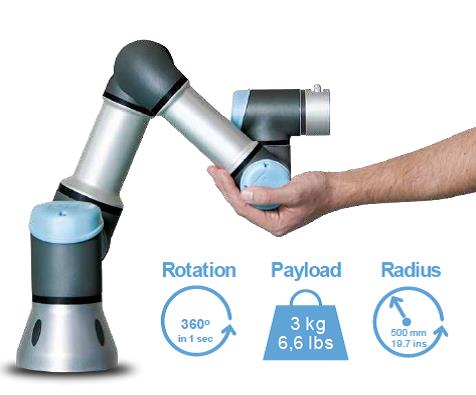
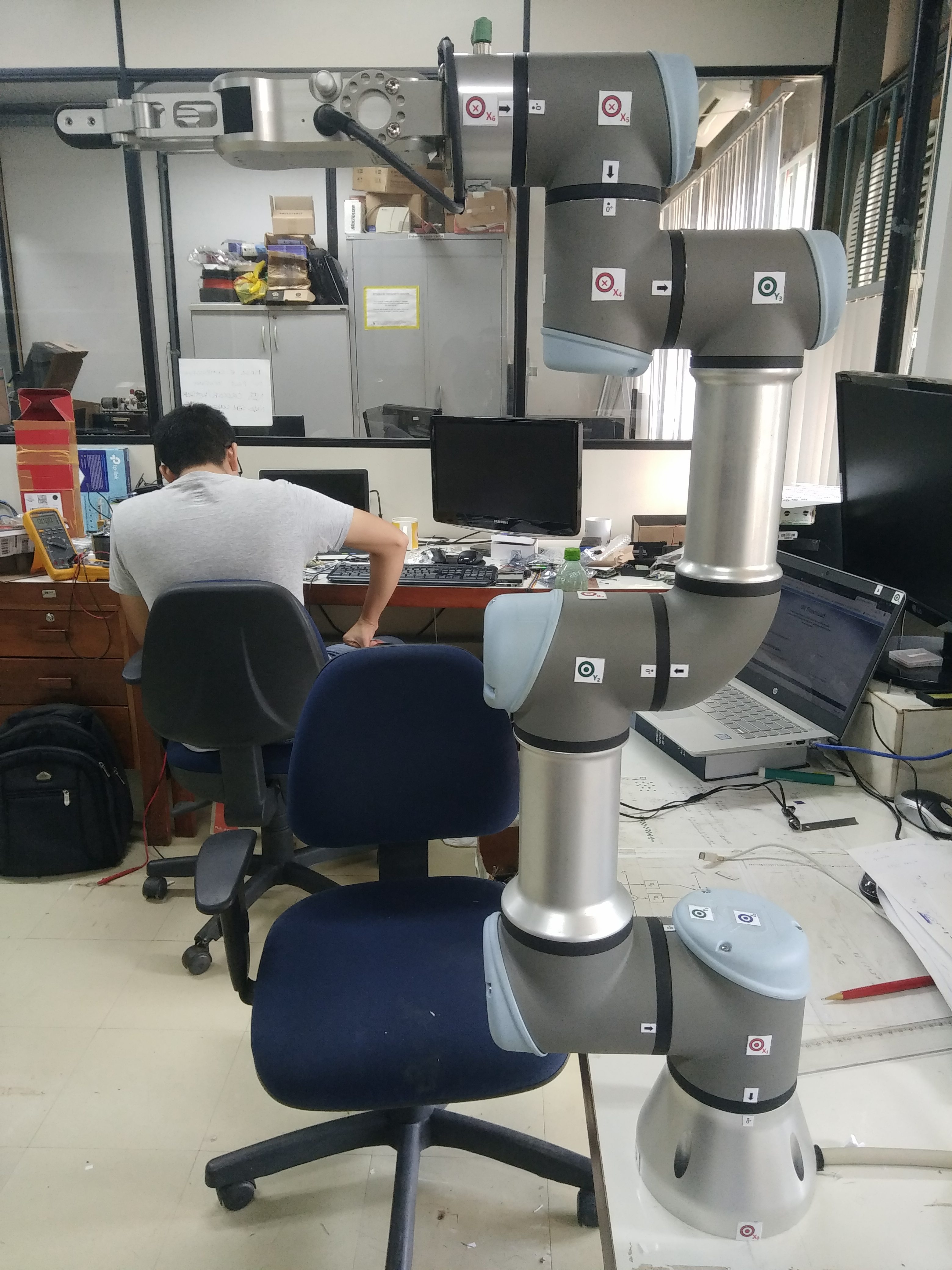
The UR3 is a table-top collaborative robot. With its 3 kg payload it is very capable and its small footprint makes it suitable for limited workspace situations. With its infinite turn on the end joint, several activities can be perfomed with grippers attached at robot tool connector.
Some of its applications:
- Laboratory work
- Assembly tasks
- Polishing
- Soldering
- Gluing
- Screwing
- Painting
- Pick and place
- Operating hand tools
- Fume hood tasks
Specification
| Weight | 11.2 kg |
| Payload | 3 kg |
| Reach | 500 mm |
| Footprint | Ø 128 mm |
| Degrees of freedom | 6 rotating joints |
| Joint ranges | +/- 360°, infinite rotation on end joint |
| Speed wrist joints | 360 degrees/sec |
| Other joints | 180 degrees/sec |
| Noise | Comparatively noiseless |
| IP classification | IP64 |
Communication

There are two main communication gateway in this system.
Foremost, there is a TCP/IP communication port between a LinuxPC and the UR3 Control Box. Basically, it is possible to send ROS commands directly from from Linux Terminal or specialized simulation softwares.
Next, there is a serial communication port between the Control Box and the UR3 Robot. It is responsible for send all the position and velocity commands to the robot.
Some of its specification:
- TCP/IP 100 Mbit: IEEE 802.3u, 100BASE-TX
- Ethernet socket & Modbus TCP
Control Box

The Controller Box contains both digital and analog input and output sockets which can be used for interfacing other components or system components itself. The teach pendant can be used to program the robot as per the requirement of user and can be based on inputs and outputs.
Using this Controller Box, the robot can be set up quickly without programming experience using patent technology and can be operated with an 3D intuitive visualization. It requires a simple movement of the robotic arm by giving waypoints or from the controls given on the touchpad.
Linux PC
Alternatively to Control Box, it is possible to control the robot system from a Linux PC. Using ROS and ensuring that your hardware, computer and robot, are properly configured to talk to each other, it is feasible to perform any movement or path directly from your PC, as good, or better, as from Control Box.